Fire Lion 88 Login Problem: Can't Access Your Account? Here's How to Fix It
Fire Lion 88 Login Problem: Can't Access Your Account? Here's How to Fix It
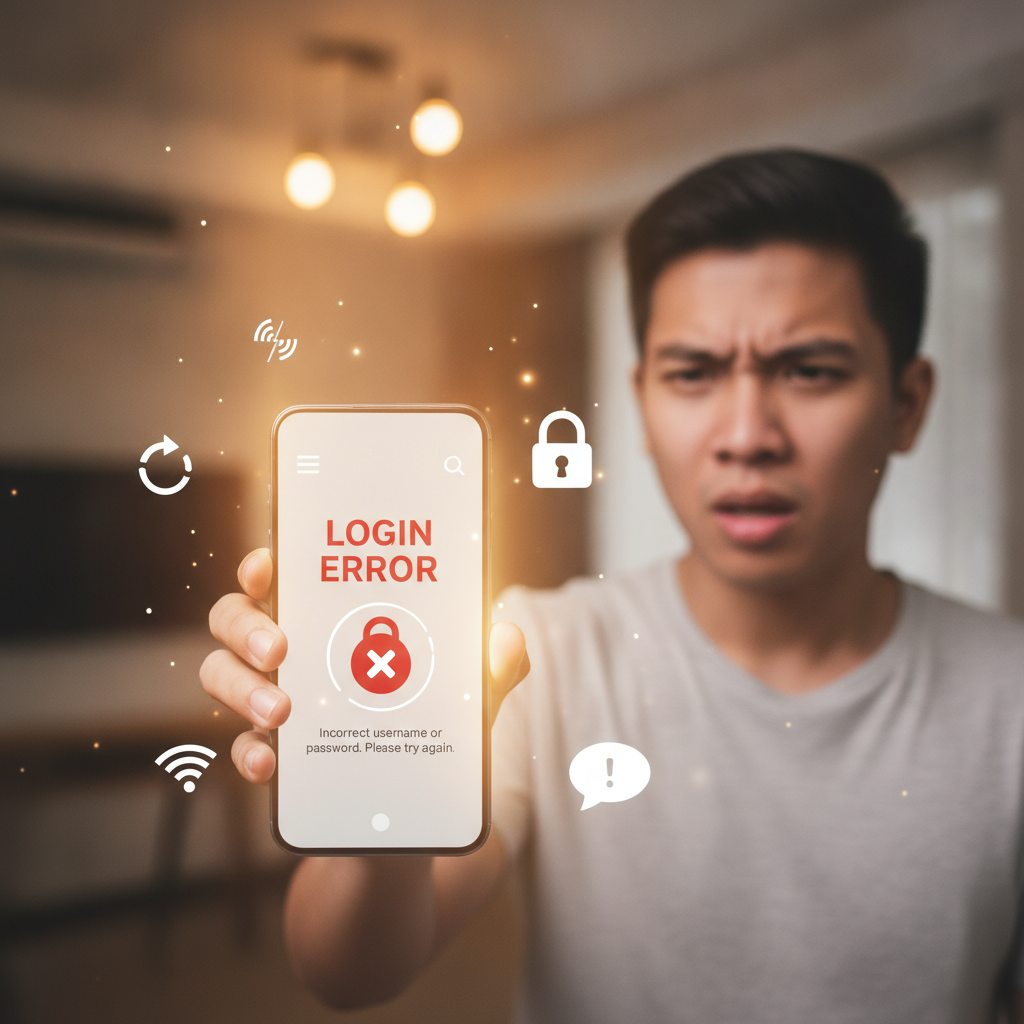
Getting locked out of your Fire Lion 88 account when you want to place a bet or check your balance is frustrating. Whether you're seeing error messages, waiting for a verification code that never arrives, or the app simply won't load, most login problems have straightforward fixes.
This guide walks through the most common Fire Lion 88 login issues Filipino players face and what to do about each one.
'Wrong Username or Password' Errors and How to Reset Credentials
If Fire Lion 88 tells you your username or password is incorrect, double-check what you typed. Common mistakes include:
- Extra spaces before or after your username
- Caps Lock turned on (passwords are case-sensitive)
- Typing your email instead of your username, or vice versa
- Old password if you recently changed it on another device
If you're certain the details are correct but still can't log in, reset your password:
- On the Fire Lion 88 login screen, tap "Forgot Password" or "Reset Password"
- Enter the mobile number or email linked to your account
- Check your SMS inbox or email for a reset link or temporary code
- Follow the instructions to create a new password—use at least 8 characters, mixing letters and numbers
- Log in with your username and the new password
If the reset link doesn't arrive within a few minutes, check your spam or junk folder. For SMS codes, make sure your phone has signal and isn't blocking messages from unknown senders. If you still don't receive anything after 10 minutes, try requesting the reset again or contact Fire Lion 88 support through their live chat.
If you no longer have access to the registered phone number or email, you'll need to reach out to customer support directly. Have your account username, full name, and any recent deposit transaction ID ready—support may ask for these details to verify your identity before unlocking the account.
Account Locked After Too Many Failed Login Attempts
Fire Lion 88 locks accounts temporarily after several incorrect password attempts in a row. This is a security measure to prevent unauthorized access.
How long the lock lasts depends on the platform's settings—typically 15 to 30 minutes, sometimes up to an hour. You'll usually see a message like "Account temporarily locked" or "Too many failed attempts."
What to do:
- Wait it out. The easiest fix is to stop trying and give it 30 minutes to an hour before attempting to log in again.
- Clear your browser or app cache while you wait (see below for steps).
- Use the password reset process instead of guessing. If you're not sure of your password, reset it rather than risk locking yourself out for longer.
If the account is still locked after waiting or if you see a message saying your account is "permanently suspended," contact Fire Lion 88 support immediately. Permanent locks are rare and usually happen only if the platform detects suspicious activity or a terms violation—support can clarify what happened and what steps you need to take.
Fire Lion 88 App or Mobile Site Won't Load: Cache, Connection and VPN Issues
Sometimes the problem isn't your login details—it's the app or mobile site itself refusing to load or getting stuck on the login screen.
Clear Your Cache and Data
Old cached files can cause loading errors. On Android:
- Go to Settings > Apps > Fire Lion 88 (or your browser if you use the mobile site)
- Tap Storage
- Tap Clear Cache, then Clear Data (note: clearing data will log you out and may erase saved preferences)
- Restart the app or browser and try logging in again
On iOS, you can't clear cache for individual apps the same way. Instead:
- Delete and reinstall the Fire Lion 88 app from your home screen, then re-download it
- If using Safari or Chrome, go to browser settings and clear browsing data for the past hour or day
Check Your Internet Connection
A weak or unstable connection will prevent the login screen from loading properly.
- Switch between Wi-Fi and mobile data to see if one works better
- If you're on public Wi-Fi (mall, café), the network may block casino sites—try switching to mobile data
- Restart your router or toggle Airplane Mode on and off to reset your connection
Disable VPN or Proxy Services
Fire Lion 88 may block logins from VPN or proxy IP addresses for security reasons. If you're running a VPN app:
- Turn off the VPN
- Close and reopen the Fire Lion 88 app or browser
- Try logging in again
Some mobile carriers and public networks in the Philippines restrict access to online casino sites. If turning off your VPN causes the site to become unreachable, the issue may be network-level blocking. In that case, switching to a different network or contacting Fire Lion 88 support for alternative access options is your best bet.
Update or Reinstall the Fire Lion 88 App
Outdated app versions can develop bugs or compatibility issues.
- Check Google Play Store (Android) or the Fire Lion 88 mobile site for the latest APK version
- If an update is available, install it and try logging in again
- If the problem persists, uninstall the app completely, restart your phone, then download and install a fresh copy
Two-Factor or OTP Verification Not Arriving
Fire Lion 88 may send a one-time password (OTP) via SMS or email as an extra security step during login, especially if you're logging in from a new device or location.
If your OTP code doesn't arrive:
- Wait a full 5 minutes. Network delays are common, especially during peak hours in Metro Manila and the provinces.
- Check your SMS or email spam/junk folders. Automated messages sometimes get filtered.
- Make sure your registered mobile number is correct. If you changed your SIM or number and didn't update your Fire Lion 88 account, codes will go to the old number.
- Request a new code. Most login screens have a "Resend OTP" button—wait at least 2 minutes before tapping it again to avoid triggering a cooldown.
If you still don't receive the code after multiple attempts:
- Contact Fire Lion 88 support via live chat or the email/phone listed on their site. Let them know you're not receiving OTP messages and provide your registered mobile number or email.
- Support may temporarily disable two-factor authentication or help you update your contact details so codes reach you.
Note for GCash and Maya users: OTP issues are separate from e-wallet login codes. If you can't get into your GCash or Maya account, contact those providers directly—Fire Lion 88 support can't reset third-party e-wallet passwords.
21+ Only, Responsible Gambling Reminder
Fire Lion 88 is for players aged 21 and over only. Before troubleshooting login issues, make sure you meet the minimum age requirement and that your account was registered with accurate personal information.
If you're experiencing difficulties controlling the time or money you spend, consider using Fire Lion 88's responsible gambling tools—many platforms offer deposit limits, session reminders, and self-exclusion options. For confidential support, reach out to local organizations that provide problem gambling assistance in the Philippines.
Still can't log in? If none of these steps work, contact Fire Lion 88 customer support directly. Have your username, registered mobile number or email, and a description of the exact error message ready. Most login problems can be resolved within a few hours once support has the right information.