Fire Lion 88 iOS App: Can iPhone Users Download It and How?
Does Fire Lion 88 Have a Native iOS App?
Fire Lion 88 does not currently offer a native iOS app through the Apple App Store. iPhone and iPad users in the Philippines cannot download a dedicated Fire Lion 88 application the same way Android users install the APK file.
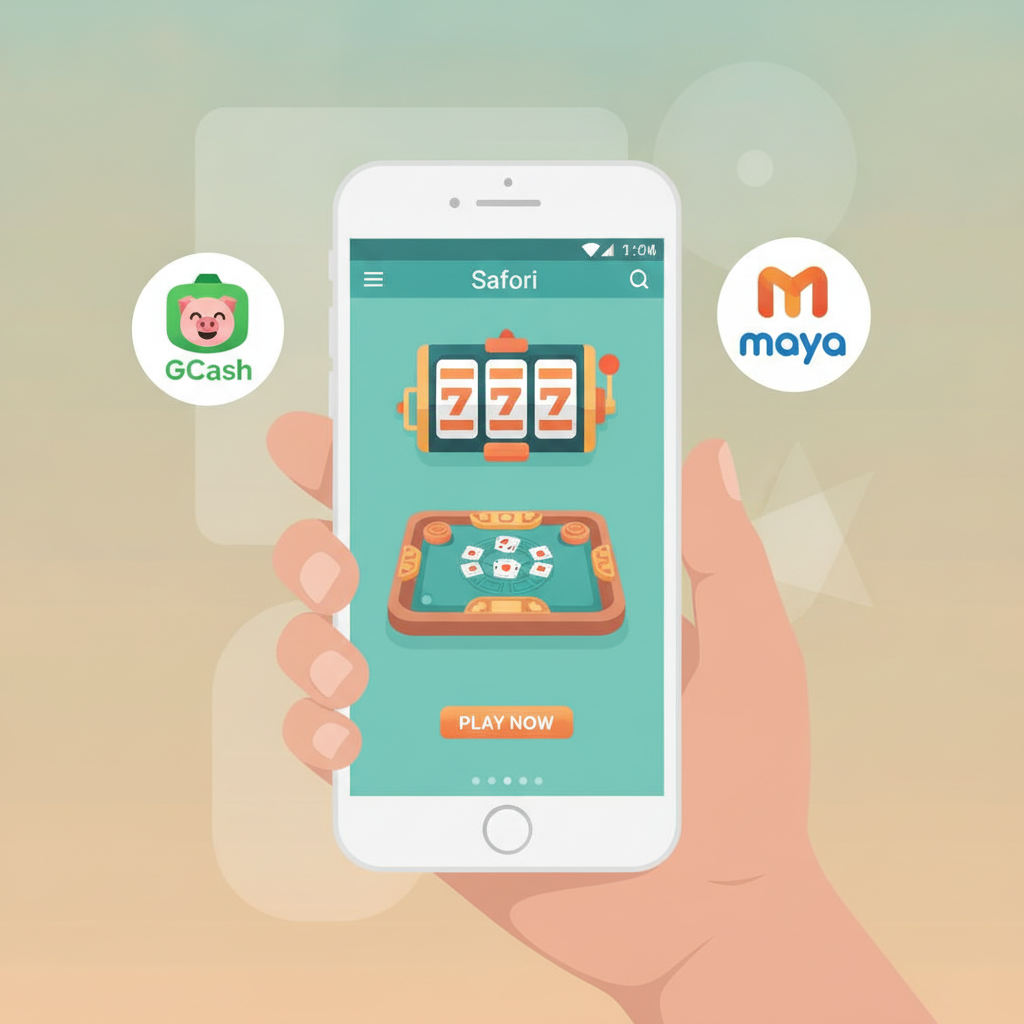
Instead, iOS users access Fire Lion 88 through the mobile Safari browser or by adding a progressive web app (PWA) shortcut to their home screen. The web-based version delivers the full range of slots, live dealer tables, and sports betting on PBA, NBA, and volleyball—all optimized for mobile screens and touch navigation.
Apple's App Store policies around real-money gambling apps can make distribution difficult for many online casinos and sportsbooks serving the Philippines market. Fire Lion 88 addresses this by offering a browser-based experience that works on any iPhone running iOS 12 or later.
How to Install the Fire Lion 88 Web App Shortcut on iPhone
iPhone users can create a home-screen shortcut that opens Fire Lion 88 in a standalone window, similar to a native app. This progressive web app approach saves time and keeps the platform one tap away.
Step-by-step installation:
- Open Safari on your iPhone and navigate to the official Fire Lion 88 website. Type the URL into the address bar or use a trusted link.
- Once the homepage loads, tap the Share icon at the bottom center of Safari (the square with an upward arrow).
- Scroll down the share menu and select Add to Home Screen.
- Edit the shortcut name if you prefer something shorter, then tap Add in the top-right corner.
- The Fire Lion 88 icon will appear on your home screen alongside your other apps.
Tapping this icon launches Fire Lion 88 in a browser window without the Safari address bar or navigation buttons, giving a cleaner, app-like feel. The shortcut remembers your login session if you stay signed in, so you can jump straight into your account.
This method works on all iPhones and iPads. The web app uses your device's Safari engine, so performance depends on your iOS version and available RAM.
Logging In and Depositing via Safari Mobile Browser
Fire Lion 88's mobile browser experience is built for Filipino players who manage their bankroll on the go. Logging in and funding your account through Safari follows the same flow as the Android app.
Logging in on iPhone
Visit the Fire Lion 88 site in Safari and tap the Login or Sign In button, usually found in the top-right corner. Enter the username and password you created during registration. If you enabled two-factor authentication or email verification, check your messages for the confirmation code.
Safari may prompt you to save your password in iCloud Keychain. Accepting this offer speeds up future logins and syncs credentials across your Apple devices.
If you see an "Incorrect credentials" error, double-check spelling and caps lock. For persistent login issues, try clearing Safari's cache and cookies under Settings > Safari > Clear History and Website Data, then attempt to log in again.
Making a Deposit with GCash or Maya
Once logged in, tap the Deposit or Cashier menu. Fire Lion 88 supports GCash, Maya, and bank transfers over InstaPay and PESONet—all accessible from the iOS browser.
GCash deposit steps on iPhone:
- Select GCash as your payment method in the cashier.
- Enter your desired deposit amount in pesos. Minimum deposits typically start at PHP 100.
- Tap Proceed or Submit. You may be redirected to the GCash app or a mobile-web login page.
- Authenticate the transaction using your GCash MPIN or biometric login.
- Confirm the payment. Funds usually appear in your Fire Lion 88 balance within one to five minutes.
Maya deposit steps on iPhone:
- Choose Maya from the deposit options.
- Enter the amount you wish to add.
- Confirm and log in to Maya via the pop-up or redirect.
- Complete the payment. Processing is similarly fast, often under five minutes.
Safari handles these redirects smoothly. If the payment gateway times out, return to the Fire Lion 88 cashier and check your transaction history before attempting a second deposit—duplicate charges can occur if the first request is still pending.
Bank transfers via InstaPay and PESONet work the same way. Select your bank, input the amount, and follow the on-screen instructions. InstaPay transactions usually credit within minutes during banking hours, while PESONet can take one business day.
Performance and Feature Differences: Android APK vs iOS Access
Players often ask whether the iPhone browser experience matches the Android APK in speed, features, and stability. Here's how they compare.
Speed and Responsiveness
The Fire Lion 88 Android APK is a standalone package optimized for the operating system, which can deliver slightly faster load times for game thumbnails and live-dealer video streams. The iOS web app runs inside Safari's engine, so performance depends on your iPhone model and iOS version.
On newer iPhones (iPhone 11 and later), most users report smooth gameplay with minimal lag when switching between slots, live tables, and sports betting markets. Older models (iPhone 7, 8) may see occasional stuttering during high-traffic periods or when loading graphics-heavy slots.
Both platforms cache images and scripts to reduce data usage and speed up repeat visits. Clear Safari's cache periodically if the iOS version feels sluggish.
Feature Parity
Fire Lion 88's web app and Android APK offer the same core functionality:
- Full game library: slots, jackpot games, live baccarat, blackjack, roulette
- Sports betting on PBA, NBA, volleyball, and other events
- GCash, Maya, InstaPay, and PESONet deposit and withdrawal options
- Account management: transaction history, password changes, verification uploads
- Customer support chat
One difference: push notifications. The Android APK can send alerts about ongoing promotions, bet settlements, and withdrawal confirmations directly to your lock screen. The iOS web app cannot deliver native push notifications unless you keep Safari open or revisit the site manually.
Some players also find the APK's dedicated interface easier to navigate with one hand, thanks to bottom-tab menus. The Safari version uses top-navigation dropdowns, which can require more scrolling on smaller screens.
Data and Battery Usage
Browser-based access uses slightly more data per session because Safari reloads certain assets each visit. The Android APK caches more content locally, reducing bandwidth consumption during repeat logins.
Battery drain is comparable on mid-range devices. Extended live-dealer or in-play sports betting sessions will consume battery on both platforms. iOS's Low Power Mode can help extend playtime when your charge is running low.
Security and Updates
Fire Lion 88 updates its web app server-side, so iPhone users always see the latest version when they open Safari. Android APK users must download and install new versions manually or via in-app prompts.
Both routes use SSL encryption to protect login credentials and payment data. Safari's built-in anti-phishing tools add an extra layer of security by warning you if a site's certificate looks suspicious.
Tips for iPhone Users
- Keep Safari updated: Apple releases security patches and performance improvements with iOS updates. Installing the latest iOS version ensures compatibility with modern web standards.
- Enable JavaScript: Fire Lion 88's slots and live games require JavaScript. Check Settings > Safari > Advanced and toggle JavaScript on if games fail to load.
- Use Wi-Fi for large withdrawals: Verifying your identity or uploading documents over mobile data can be slow. Switch to Wi-Fi for faster, more reliable uploads.
- Bookmark the cashier page: If you deposit and withdraw frequently, save the cashier URL as a Safari bookmark for one-tap access.
21+ Only and Responsible Gambling Reminder
Fire Lion 88 is available only to players aged 21 and over. Online gambling should remain entertainment, not a way to solve financial problems or recover losses.
Set deposit limits in your GCash or Maya app if you want to control spending. Take regular breaks, and reach out to support or a local helpline if betting starts to feel compulsive. The platform offers self-exclusion tools for players who need a pause.
iPhone users in Metro Manila and the provinces can access Fire Lion 88's full suite of slots, live dealer games, and sports betting through Safari or a home-screen web app shortcut. While a native iOS App Store download is not available, the mobile browser experience supports GCash and Maya deposits, InstaPay and PESONet bank transfers, and all the same features Android APK users enjoy—with only minor differences in load times and notification support.