Fire Lion 88 GCash Withdrawal: Step-by-Step Cashout Guide for Filipino Players
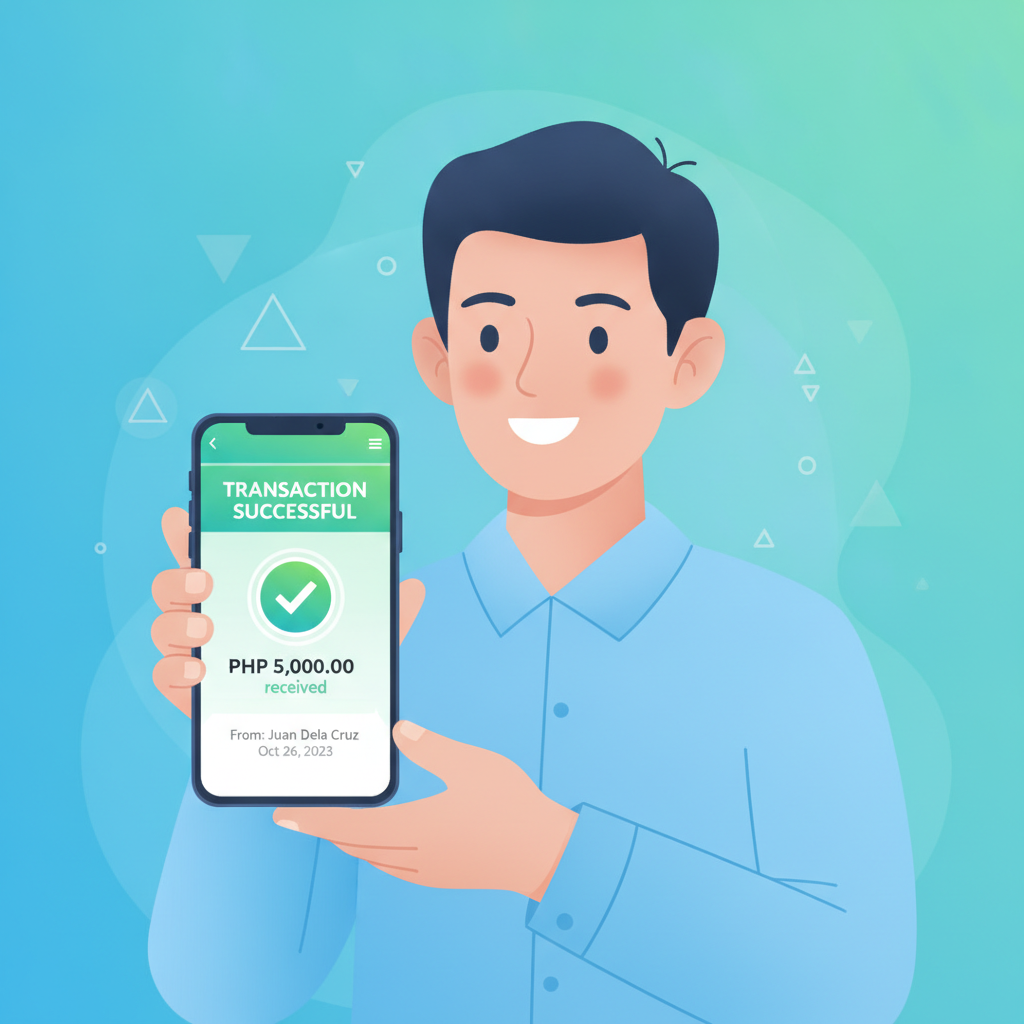
Fire Lion 88 GCash Withdrawal: Step-by-Step Cashout Guide for Filipino Players
Moving your winnings from Fire Lion 88 to your GCash wallet is one of the fastest ways to cash out in the Philippines. Most Fire Lion 88 GCash withdrawals arrive within minutes to a few hours, but the process only works smoothly when your account details match and your GCash wallet meets the platform's verification requirements.
This guide walks through every step of requesting a Fire Lion 88 withdrawal to GCash, explains the daily and monthly limits that affect how much you can cash out, and shows you how to fix common errors like unverified accounts, name mismatches, and declined transactions.
How to Request a Fire Lion 88 Cashout to Your GCash Wallet
Fire Lion 88 processes GCash withdrawals through its cashier or wallet section. The exact label varies depending on whether you're using the Android app or mobile browser, but the steps are the same.
Step 1: Open the cashier or withdrawal page
Log in to your Fire Lion 88 account on your phone. Tap the menu icon (usually three lines or your balance display at the top), then select "Withdraw," "Cashier," or "Wallet." Look for the withdrawal or cash-out option.
Step 2: Select GCash as your withdrawal method
Fire Lion 88 lists GCash alongside other e-wallet and bank transfer options. Tap "GCash" to proceed. If GCash does not appear, check whether you've used GCash to deposit before—some operators require at least one successful deposit via the same channel before allowing withdrawals to that method.
Step 3: Enter your GCash mobile number
Type the 11-digit mobile number linked to your GCash account. Double-check every digit. Fire Lion 88 uses this number to route your payout, and a single wrong digit will send your money to someone else's wallet or cause the transaction to fail.
Step 4: Enter the withdrawal amount in pesos
Decide how much you want to cash out, then type the amount in PHP. Fire Lion 88 sets a minimum withdrawal—often PHP 100 or PHP 200—and a maximum per transaction, typically PHP 5,000 to PHP 50,000 depending on your account status and the platform's daily limit. If you try to withdraw less than the minimum or more than the maximum, the system will display an error before you submit.
Step 5: Confirm and submit your request
Review your GCash number and the peso amount one more time. Once you tap "Confirm" or "Submit," Fire Lion 88 moves your request into its processing queue. You should see a confirmation message or transaction reference number on screen. Save or screenshot this reference in case you need to contact support.
Step 6: Wait for the funds to arrive in your GCash wallet
Most Fire Lion 88 GCash withdrawals are approved and released within 5 to 30 minutes during business hours. Some transactions can take up to a few hours if the platform is running manual security checks or if you're withdrawing a large amount for the first time. GCash itself processes incoming transfers almost instantly, so once Fire Lion 88 releases the payment, you'll receive a GCash notification and see the balance update in your app.
Check your GCash transaction history if the money doesn't appear in your main wallet. Occasionally, incoming transfers land in a pending state for a minute or two before clearing.
GCash Daily and Monthly Limits That Affect Your Withdrawal
Even if Fire Lion 88 approves your cashout, GCash imposes its own limits on how much money your wallet can receive each day and each month. These limits depend on your GCash verification level.
Fully verified GCash accounts
If you've completed full verification—submitted a valid government ID, selfie, and proof of address through the GCash app—your wallet can receive up to PHP 100,000 per day and hold a maximum balance of PHP 100,000 at any time. The monthly incoming limit for fully verified users is PHP 100,000 as well.
In practice, this means you can cash out PHP 100,000 from Fire Lion 88 to GCash in one day, but you'll need to spend or transfer that balance elsewhere before you can receive another large deposit the next day.
Partially verified or unverified GCash accounts
If you only completed basic sign-up or skipped ID verification, GCash sets much lower limits—often PHP 8,000 per month for incoming transfers and a wallet balance cap of PHP 8,000. Fire Lion 88 may attempt to send your withdrawal, but if you've already reached your monthly GCash limit, the transfer will bounce back or remain pending until the next calendar month.
To avoid this, open your GCash app, go to "Profile" or "Account," and check your verification status. If it says "Unverified" or "Partially Verified," tap "Verify Now" and follow the prompts to upload your ID. Full verification usually takes a few minutes to a few hours.
Fire Lion 88 withdrawal limits
Fire Lion 88 also sets its own daily and monthly cashout caps, separate from GCash. New accounts often start with a daily withdrawal limit of PHP 10,000 to PHP 20,000 and a monthly cap of PHP 50,000 to PHP 100,000. VIP or high-volume players may receive higher limits after contacting support and providing additional verification documents.
Always assume the lower limit applies. If your Fire Lion 88 daily limit is PHP 20,000 but your GCash account can only receive PHP 8,000 per month, you'll hit the GCash ceiling first.
Common Errors: Unverified GCash Account, Mismatched Name, Exceeded Limit
Most Fire Lion 88 GCash withdrawal problems fall into three categories: account verification issues, name discrepancies, and limit breaches.
Error: "GCash account not verified" or "Recipient wallet not eligible"
Fire Lion 88 and its payment processor may reject withdrawals to unverified or partially verified GCash wallets. This is a fraud-prevention measure. The error message might appear immediately when you submit your request, or your withdrawal could sit in "Pending" status for hours before being declined.
Fix: Open the GCash app, complete full verification by uploading a government-issued ID (driver's license, passport, or Postal ID), taking a selfie, and providing a proof-of-address document if asked. Once GCash approves your verification, wait 30 minutes, then try your Fire Lion 88 withdrawal again.
Error: "Name mismatch" or "Account name does not match registered name"
Fire Lion 88 requires the name on your casino account to match the name registered to your GCash mobile number. If you signed up for Fire Lion 88 using a nickname or a different spelling—say, "Jon" instead of "Jonathan"—and your GCash account reads "Jonathan Dela Cruz," the system will flag the withdrawal as potentially fraudulent.
Fix: Log in to Fire Lion 88 and check the name listed in your profile or account settings. If it doesn't match your GCash registered name exactly, contact Fire Lion 88 support via live chat or email and ask to update your account name. You'll likely need to send a photo of your government ID to prove the correct name. Once updated, request your GCash withdrawal again.
Error: "Daily limit exceeded" or "Monthly limit reached"
This error appears when you've already cashed out the maximum allowed by Fire Lion 88 or when your GCash wallet has hit its monthly incoming transfer cap. Fire Lion 88's system usually blocks the transaction before it's sent, but sometimes the withdrawal is processed on the casino side and then rejected by GCash, causing the funds to bounce back to your casino balance after a few hours or a day.
Fix for Fire Lion 88 limit: Wait until the next day (for daily caps) or the next calendar month (for monthly caps). If you need access to a higher limit, message Fire Lion 88 support and ask whether you're eligible for a limit increase. Some players receive higher tiers after a few successful withdrawals or by providing additional ID documents.
Fix for GCash limit: Check your current GCash verification status and monthly incoming total in the app. If you're close to your cap, complete full verification to unlock higher limits, or wait until the 1st of the next month when your monthly counter resets.
What to Do If Your GCash Withdrawal Is Stuck or Declined
If your Fire Lion 88 GCash withdrawal has been pending for more than two hours, or if the status changed to "Declined" or "Failed," follow these troubleshooting steps.
Check your Fire Lion 88 transaction history
Open the Fire Lion 88 app or website, go to "My Account" or "Transaction History," and find your withdrawal request. The status field will show "Pending," "Processing," "Completed," or "Declined." If it says "Completed" but your GCash wallet hasn't received the money, the issue is likely on the GCash side.
Check your GCash transaction history and notifications
Open the GCash app and tap "Activity" or "Transaction History." Look for an incoming transfer labeled "Fire Lion 88" or the payment processor's name. If the transfer appears as "Failed" or "Reversed," GCash rejected it—usually due to an unverified account, a name mismatch, or a reached limit. The funds should return to your Fire Lion 88 balance within 24 hours.
Contact Fire Lion 88 support with your transaction reference
If your withdrawal is stuck in "Processing" for more than six hours, or if the status shows "Completed" but no money arrived, reach out to Fire Lion 88 customer support. Provide your transaction reference number, the exact peso amount, your GCash mobile number, and the date and time you submitted the request. Most operators respond via live chat within a few minutes, or by email within a few hours.
Fire Lion 88 support can check whether the payment was released on their end and, if necessary, escalate the issue to their payment processor. In rare cases, a manual review is required for large first-time withdrawals or accounts flagged by automated security checks.
Contact GCash support if the transfer shows as sent but never arrived
If Fire Lion 88 confirms the withdrawal was completed and provides a GCash transaction ID, but your wallet still shows no incoming transfer, open the GCash app, tap the menu, select "Help Center," and submit a ticket with the transaction ID and the sender's details. GCash support usually investigates within 24 hours. Note that GCash customer service is slower than live chat on casino platforms, so expect a longer turnaround.
Request a refund to your Fire Lion 88 balance
If your GCash account cannot be verified or your name cannot be corrected quickly, ask Fire Lion 88 support to cancel the withdrawal and return the funds to your casino balance. You can then try a different cashout method—such as Maya or bank transfer via InstaPay—while you sort out your GCash verification.
Responsible Gambling Reminder
Fire Lion 88 is an online casino and sportsbook for players aged 21 and over. Only gamble with money you can afford to lose, and take breaks if betting stops being fun. If you need support, reach out to a trusted friend or contact a local responsible-gambling helpline.
Fire Lion 88 is a third-party brand. This guide is published by an independent information site and is not operated by or affiliated with Fire Lion 88.